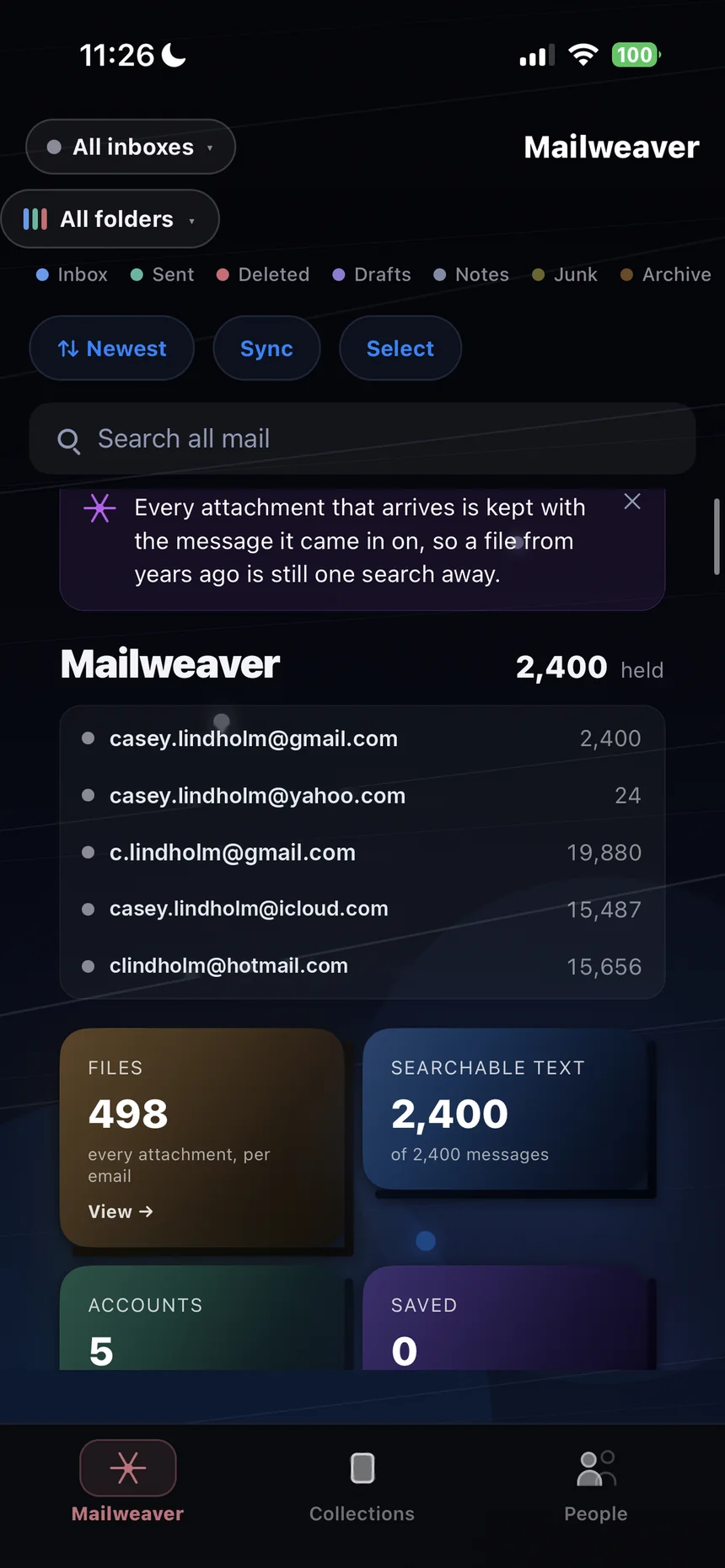
Your mail provider's search is built for last week. It is poor at the message from 2011 and close to useless for attachments — the signed lease, the contract, the photos someone sent years ago. Mailweaver downloads your whole archive — every folder, every year, every attachment — onto your phone, and organises it.
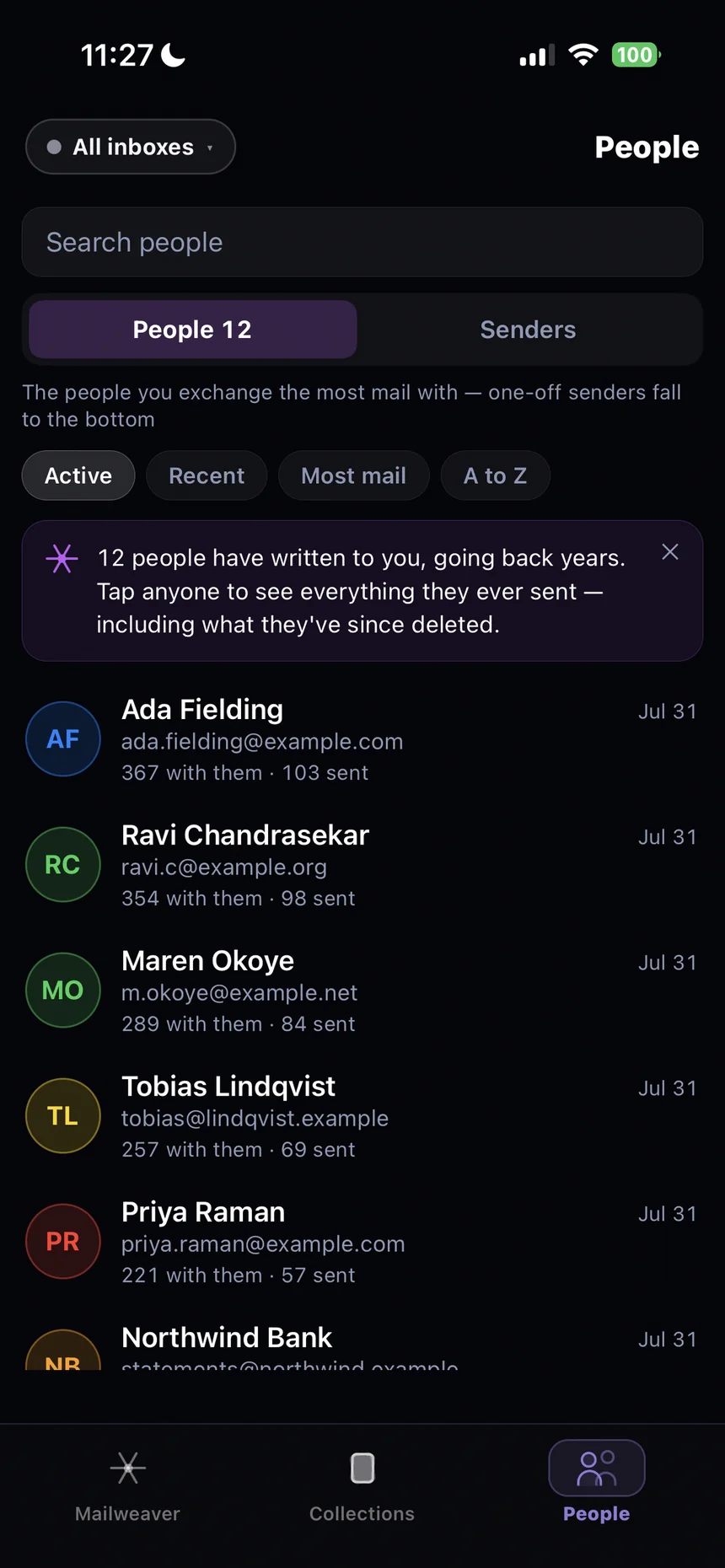
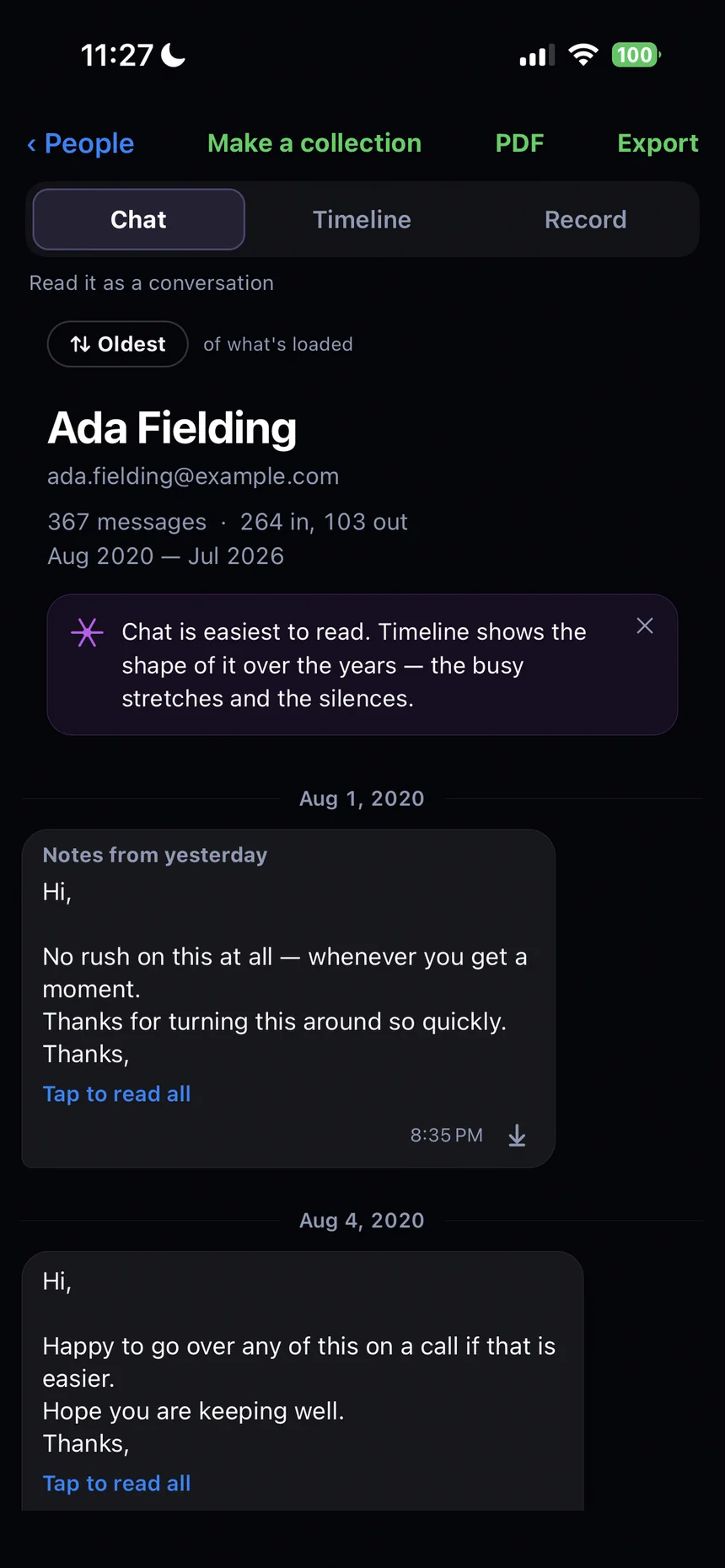
Twenty years of messages with someone read as one conversation, not four hundred separate subject lines. Every address they have ever written from, gathered together — every folder, every year, not just the inbox.
pull
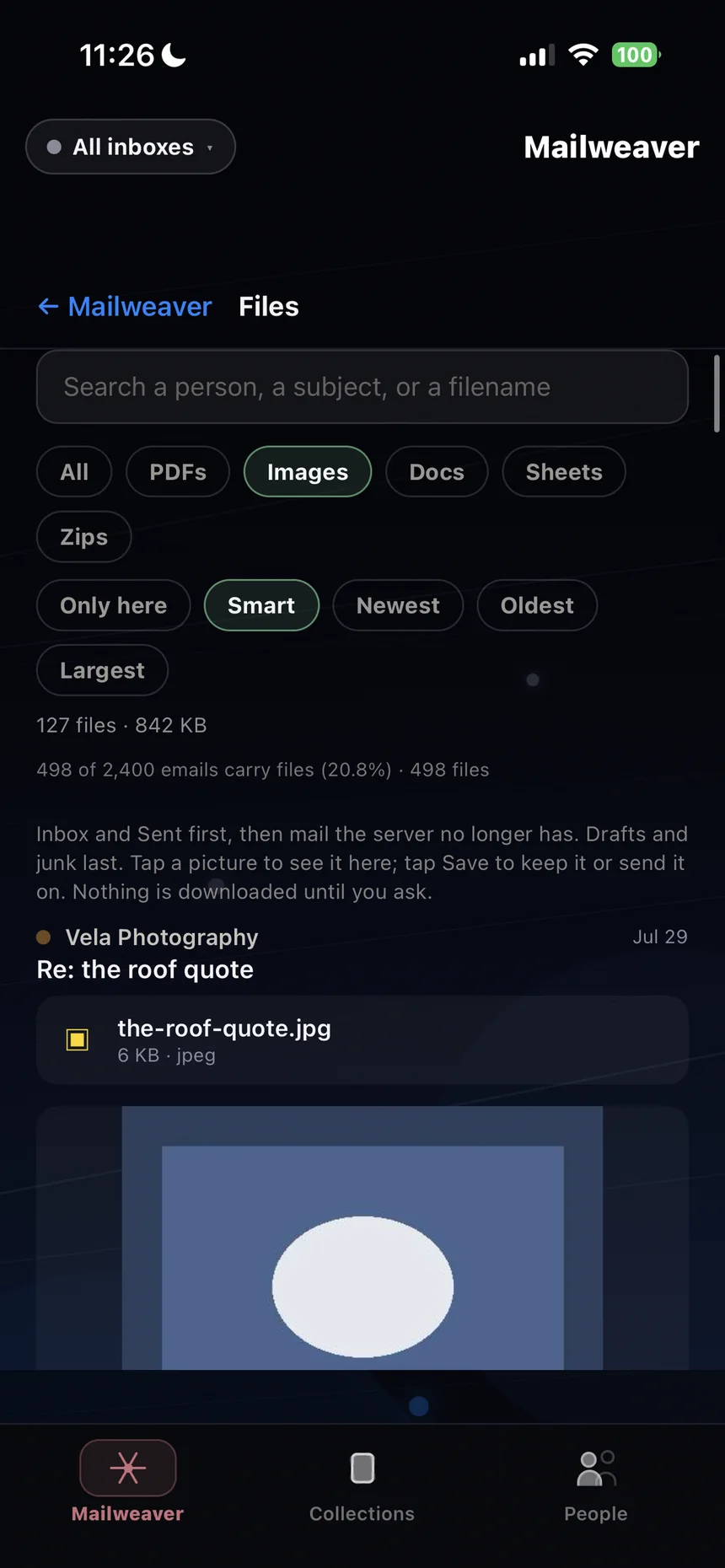
Every attachment, out of its email and into a library
Filter by PDFs, images, documents, spreadsheets or archives. Sort by newest, oldest or largest. Search by filename, sender or subject. Files that arrived inside forwarded messages are opened up and included too. Preview anything, then save it or send it on.
and so
Search that reaches the whole archive
Full text, every folder, every year, instantly — because it is all on the device. No waiting for a server to think about it.
inboxsentdeleteddraftsnotesjunkarchive
see it
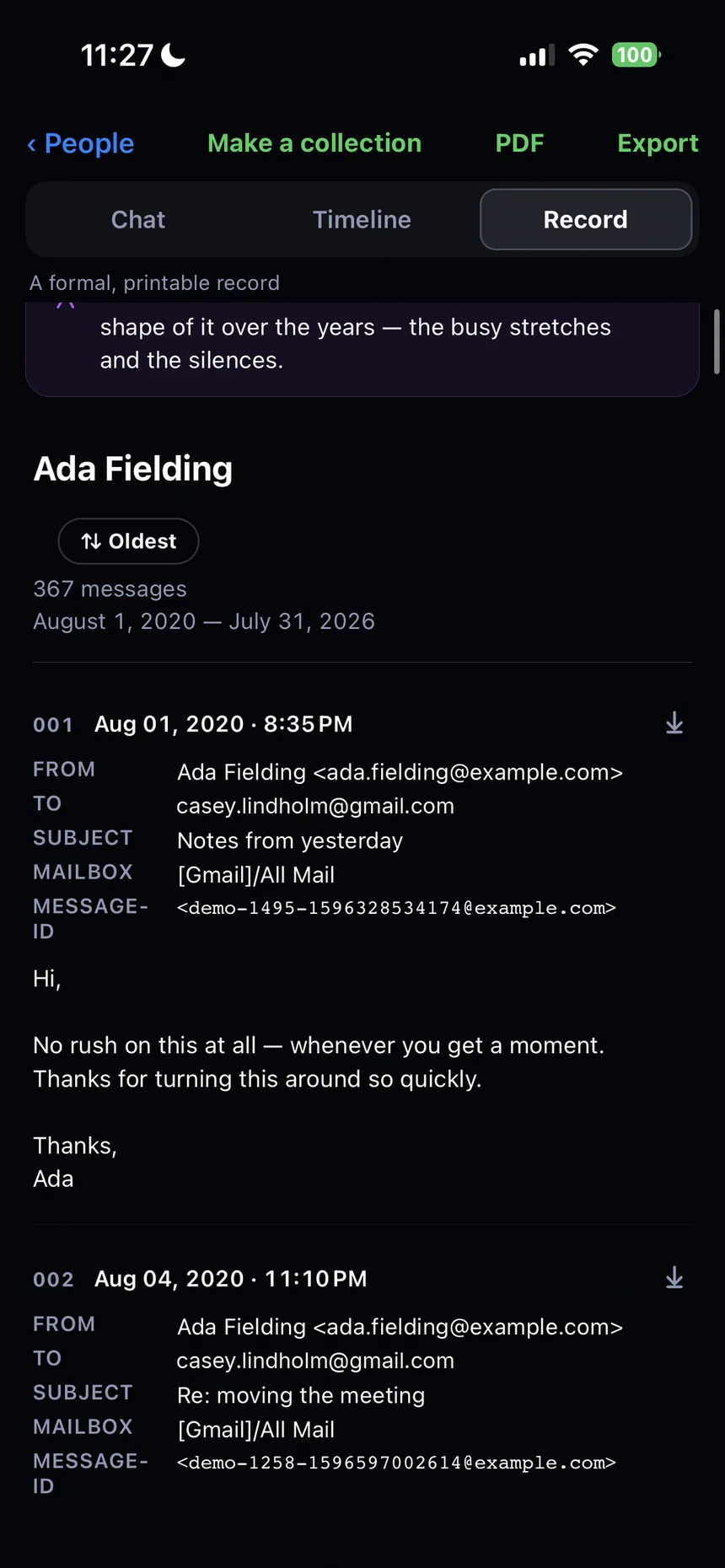
The app, screen by screen
Swipe through — these are the real screens.
Home
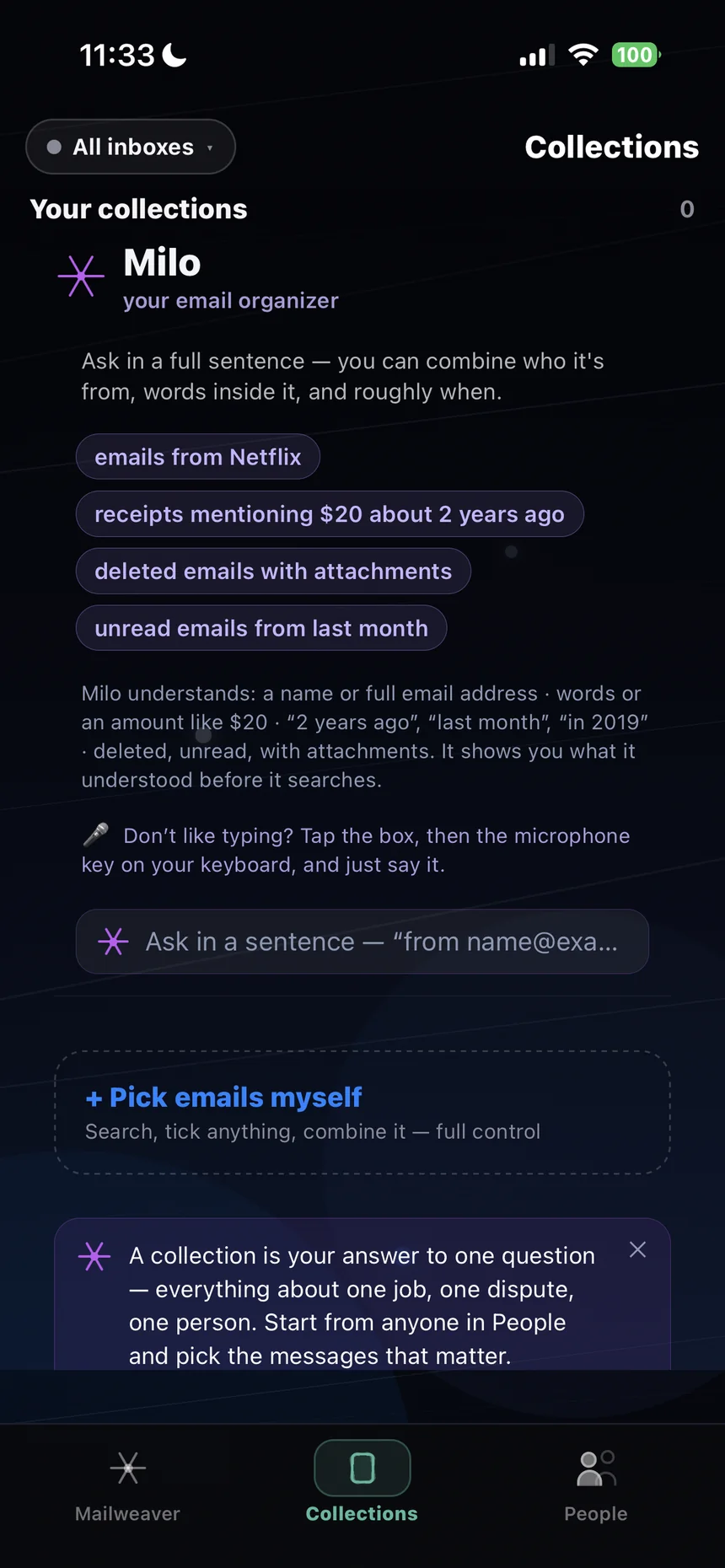
Collections
Files
People
Chat
Record
Nothing leaves your phone
There is no Mailweaver server. Your mail travels from your provider to your device and stops there. No analytics, no trackers, no account to create. Privacy policy
Read-only, by design
Mailweaver does not send, delete, move or mark anything in your account. Your mailbox is exactly as it was.
Works with no signal
On a plane, underground, abroad. There is nothing to load, because it is already here.
Accounts
Connect as many as you like; they are searched together.
As far back as your provider still has, which is usually further than people expect. The app shows you the oldest date it has found while it works.
The first download takes a while. Why?
Because it is fetching everything, once. On a large mailbox that is genuinely long — the app has a night mode built for exactly this. After the first time, only new mail arrives.
Does it change anything in my email account?
No. Mailweaver connects read-only. It does not send, delete, move or mark anything.
More in Support, including getting started with each provider.