 Mailweaver
Mailweaver
Your whole archive, safe on this phone. Every account, every folder, one search.
New in 1.1Photos from Contacts · Ways to organize · Rewind · Face ID
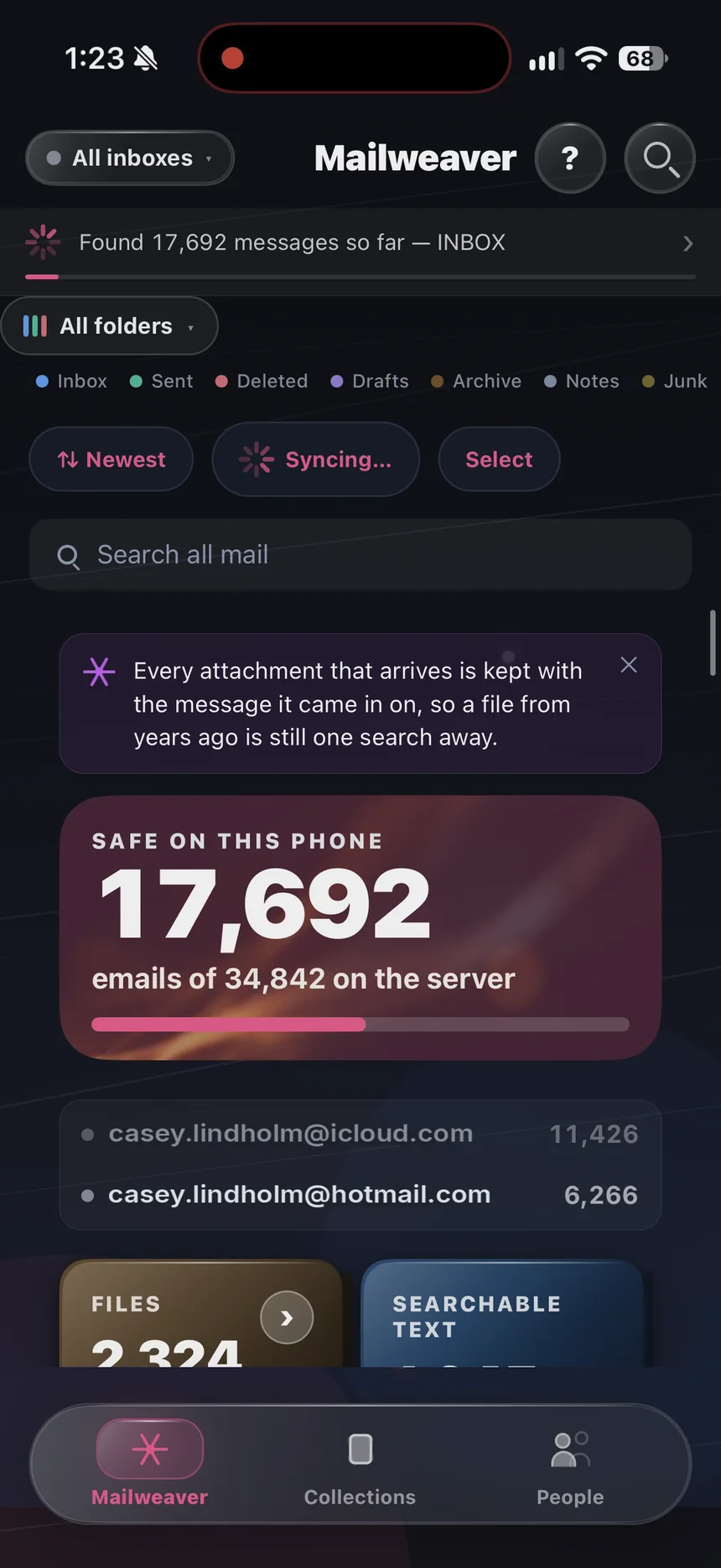
Mailweaver downloads your whole mail archive — every account, every folder, every year, every attachment — onto your iPhone. Then it sorts it: by the people you write to, and by the companies that write to you.
Your whole archive, safe on this phone. Every account, every folder, one search.

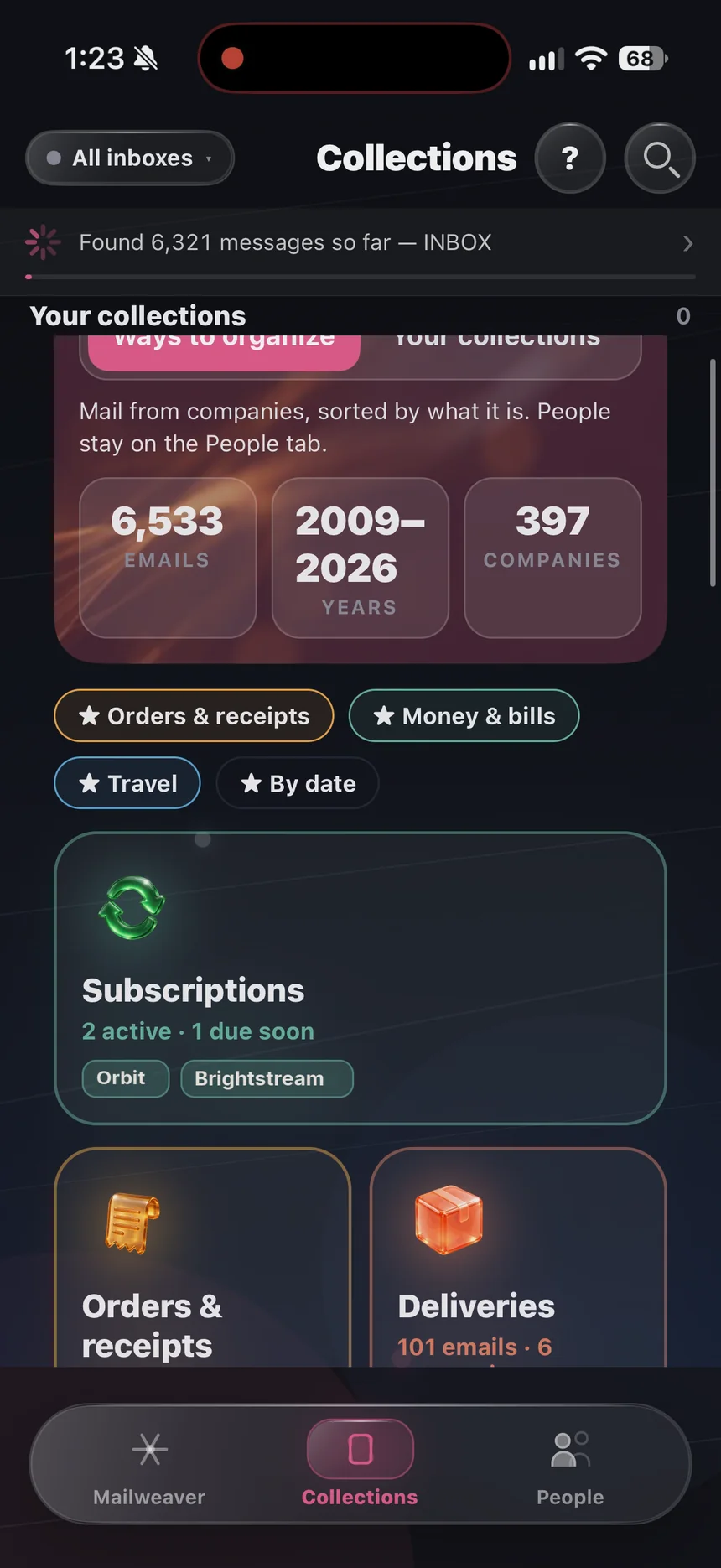
Mail from companies, sorted by what it is — plus collections you make yourself.

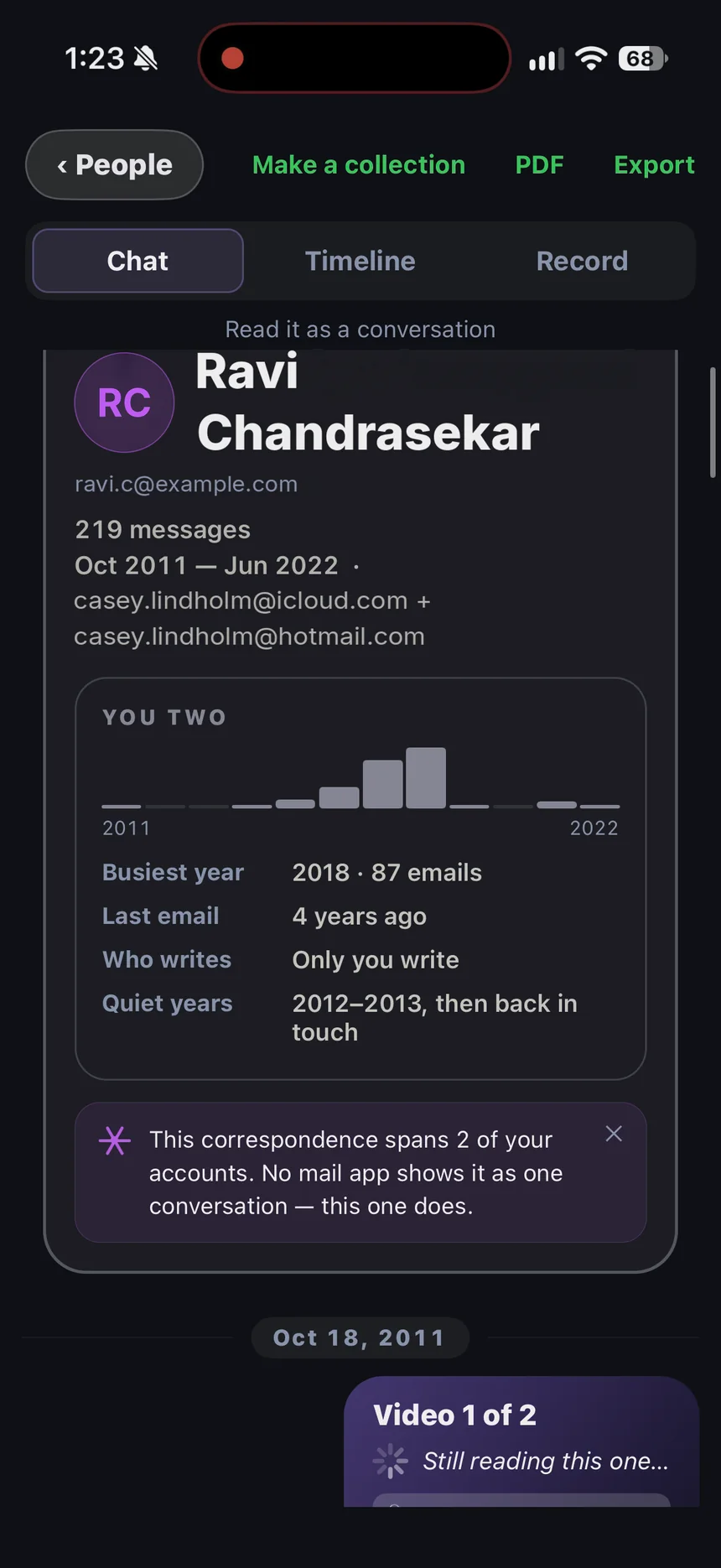
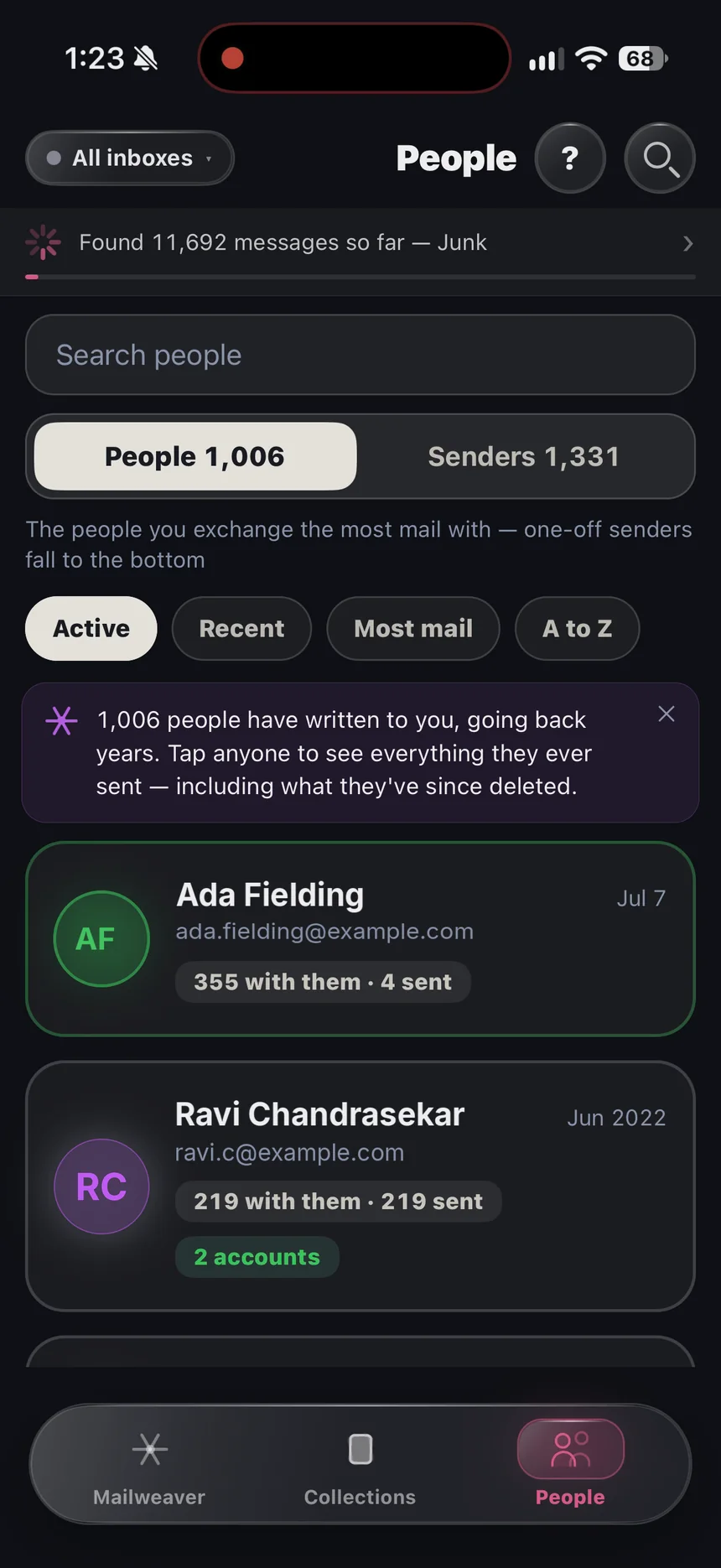
Everyone you’ve emailed, each one a single conversation.
People
Years of messages with someone read as one chat, not four hundred subject lines — across every account they ever wrote from, including mail they have since deleted.
Collections
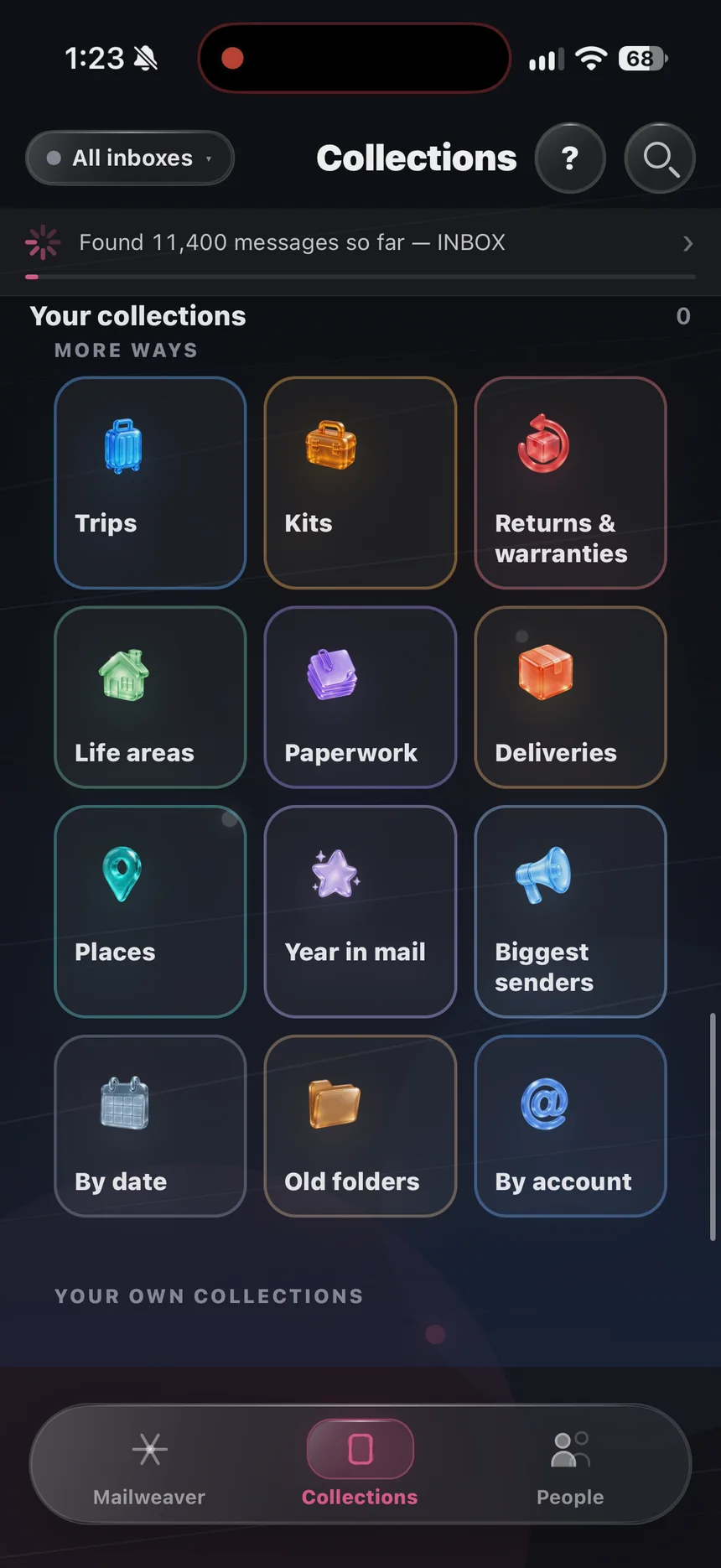
Orders, deliveries, bills, subscriptions, travel, work — Mailweaver reads who sent what and files it, on the iPhone itself. Junk stays out. Make your own collections too, by picking the emails.
 Subscriptions
 Orders & receipts
 Deliveries
 Money & bills
 Contracts & documents
 Travel
 Work & jobs
 Social
 Newsletters & deals
 Accounts & security
 Other companies
 Trips
Trips Kits
Kits Returns & warranties
 Life areas
 Paperwork
 Places
 Year in mail
 Biggest senders
 By date
 Old folders
 By account
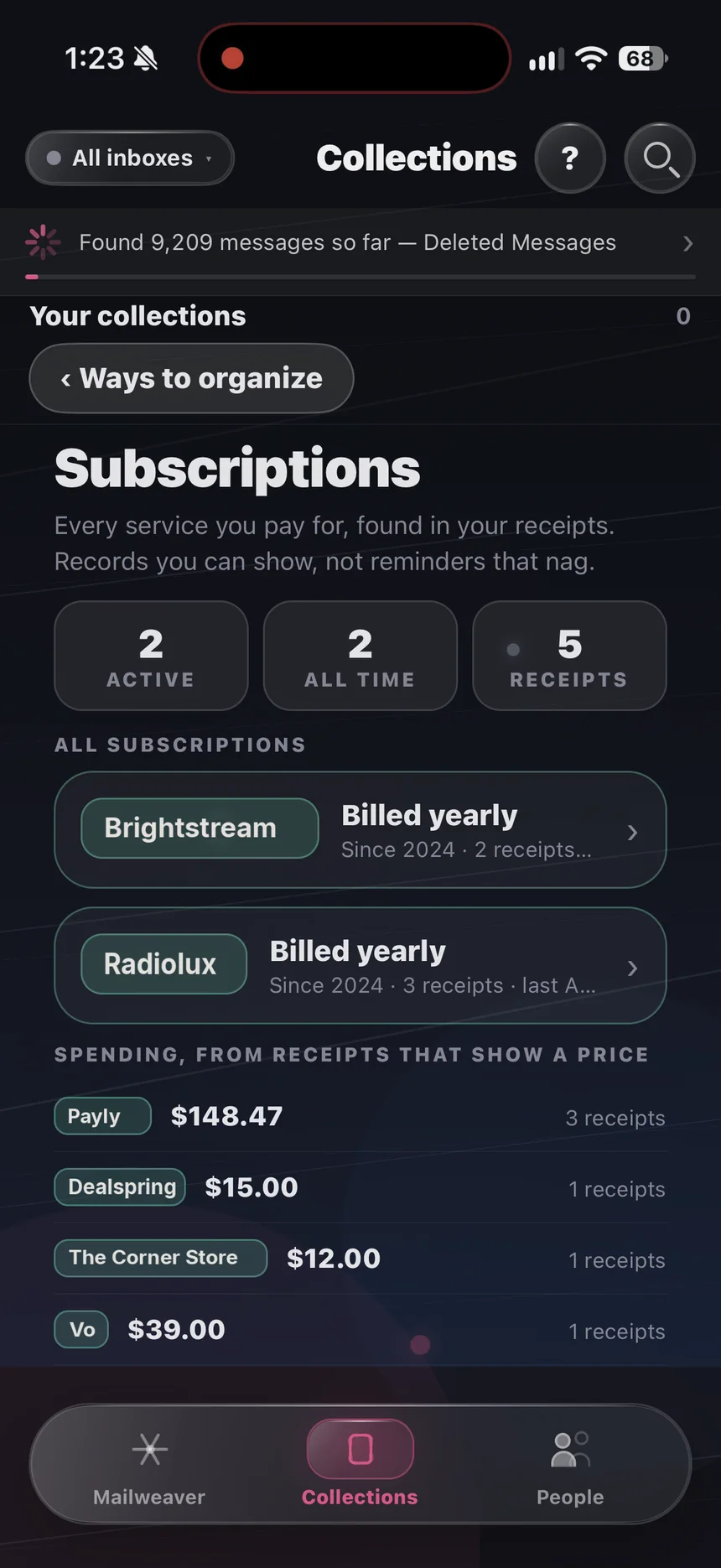
Subscriptions
Records you can show, not reminders that nag. See what is active, how each one bills, and the receipts behind it.
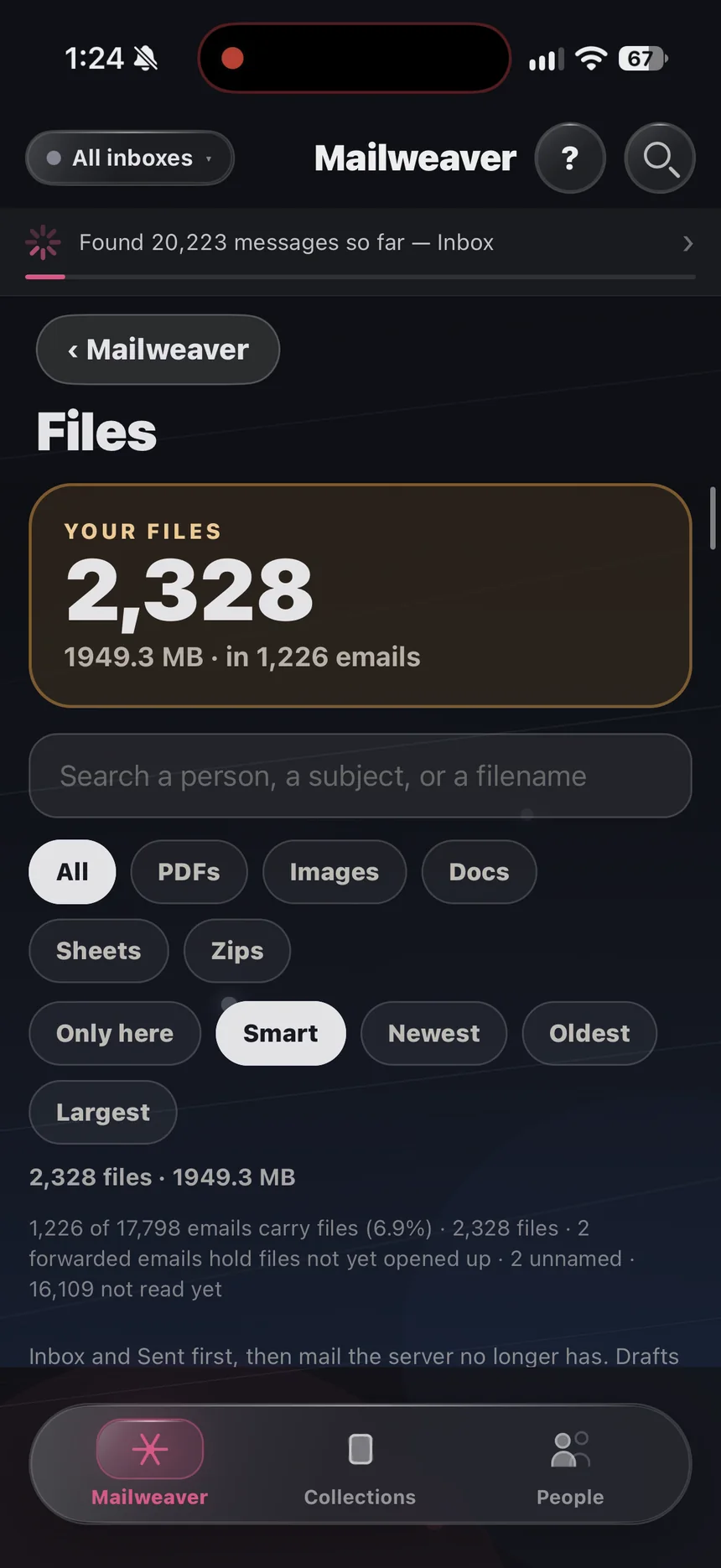
Files
Every file anyone ever sent you, out of its email and into one place. Open any of them full screen, then save it or send it on.
Mailweaver
Everything Mailweaver downloads stays on your iPhone, in one private archive: every account, every folder, every year. It works on a plane, underground, abroad — there is nothing to load.
And more
Every account at once, best matches first, with shortcuts to trips, companies and collections.
Your archive as a story: your year in review, milestones, and On this day.
Lock Mailweaver so only you can open it.
The screen goes black and the download runs at full speed. Plug in, put the phone down.
Light or dark, text size, spacing and accent colour.
Turn a person or a collection into a PDF or a formal, printable record.
Everything is already on the phone, so there is nothing to load.
Never sends, deletes, moves or marks anything in your account.
There is no Mailweaver server and no account to create. Your mail goes from your provider to your iPhone and stays there. No analytics, no ads, no trackers.
See it
Swipe through. These are the real screens, with made-up mail.
Accounts
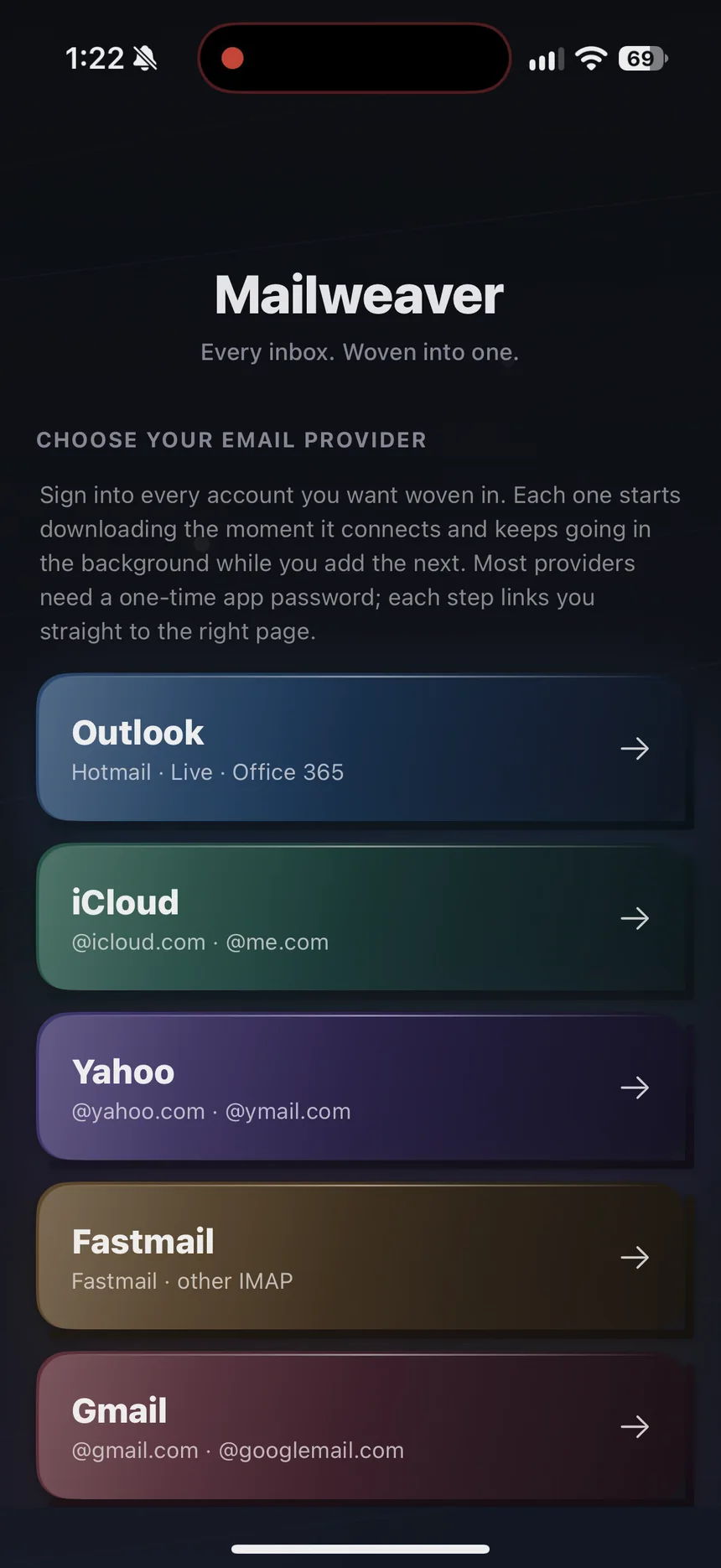
Add as many accounts as you like. They are downloaded side by side and searched together.
GmailGoogle’s page or an app passwordiCloud@icloud.com · @me.com OutlookHotmail · Live · Office 365Yahoo@yahoo.com · @ymail.com
 Fastmailand other IMAP mail
$9.99 once.
No subscription. No account. Yours.

Questions
As far back as your provider still has, which is usually further than people expect. The app shows you the oldest date it has found while it works.
Because it is fetching everything, once. On a large mailbox that is genuinely long — the app has a night mode built for exactly this. After the first time, only new mail arrives.
Yes. Google lets any app download 2,500 MB a day from one Gmail account, so a big Gmail arrives over a few days. Mailweaver pauses when Google asks and carries on by itself, and nothing is lost.
No. Mailweaver connects read-only. It does not send, delete, move or mark anything.
More in Support, including every Gmail and Google question.